METERLESS BETA
An exposure calculator and light meter for film photographers. This page is for external TestFlight testers — thank you for helping.
Join the beta
1. Install TestFlight from the App Store (free, by Apple).
2. Open the invite link on your iPhone:
testflight.apple.com/join/btPbhPNg
TestFlight installs the app and pushes updates to you automatically. Builds expire after 90 days; you'll get a fresh one well before that.
What's in this build
The headline: the Apple Watch companion is now editable on-wrist, with widgets, and it stays in sync with your iPhone.
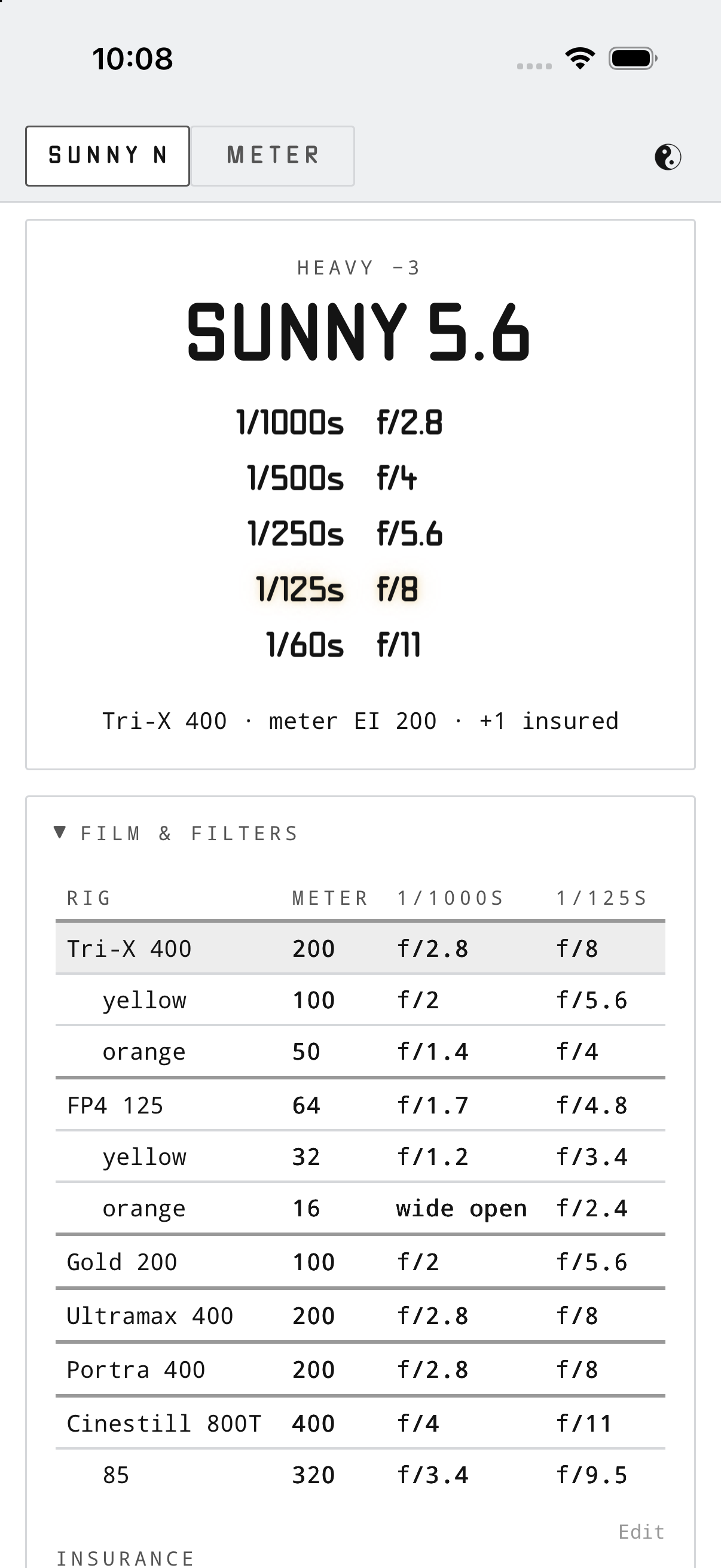
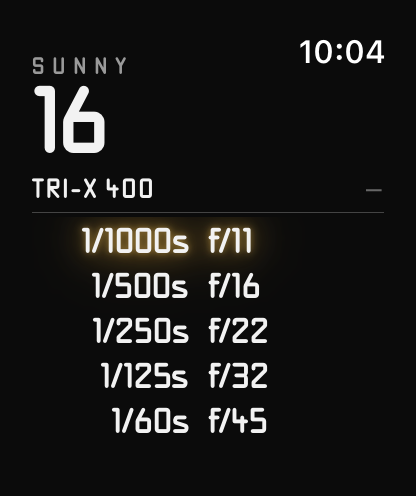
Watch — editing on-wrist
- Tap a field to arm it — sky condition, rig, or insurance. A thin highlight appears.
- Scrub with the Digital Crown — haptic detents, and the exposure reading recomputes live on every tick.
- Tap anywhere (or lower your wrist) to commit. No commit button; edits never revert on timeout.
- The rig field cycles through rigs you've pinned on the phone — pinning is how you mark a rig "wrist-worthy".
Sync between devices
- Watch edits flow back to the iPhone automatically — open the phone app and your on-wrist changes are already reflected.
- The watch isn't a dumb mirror either: it recomputes the reading itself (sun position + weather) every few minutes, so it's accurate even when your phone is in your bag.
- The phone remains the configuration owner: film library, mods, and shade are edited phone-side; the watch handles quick overrides.
Watch widgets
- Add the Meterless widget from the watch face gallery — it shows the current Sunny N number at a glance.
- In-app, the complication gallery lets you preview each widget family.
Phone changes
- EV display mode rounds to one decimal place (EV 14.4; whole numbers stay bare — EV 15).
- After dark, the exposure ladder shows honest f-stops from f/1 down (a quiet dash only below f/1).
- Sunny N page reorganized: conditions now live inside "today's sun", next to the graph they modify.
What to test
- On the watch, arm and scrub each editable field — sky, rig, insurance. Does the crown feel right? Do detents land?
- Commit a watch edit, then open the iPhone app — did the change arrive?
- Edit on the phone, then glance at the watch — does it catch up?
- Add the widget to a watch face. Is the number legible at a glance?
- Try a night reading — the ladder should show real f-stops from f/1 down.
- Toggle EV display in the phone's settings — values should read like EV 15 / EV 14.4.
Feedback
Use the TestFlight app's feedback screenshot feature, or email oliver@meterless.app. Anything confusing, ugly, or wrong — we want to hear it.
Meterless collects no data: no accounts, no analytics. Weather and geocoding requests are keyless and contain only your approximate coordinates. See the privacy policy.